


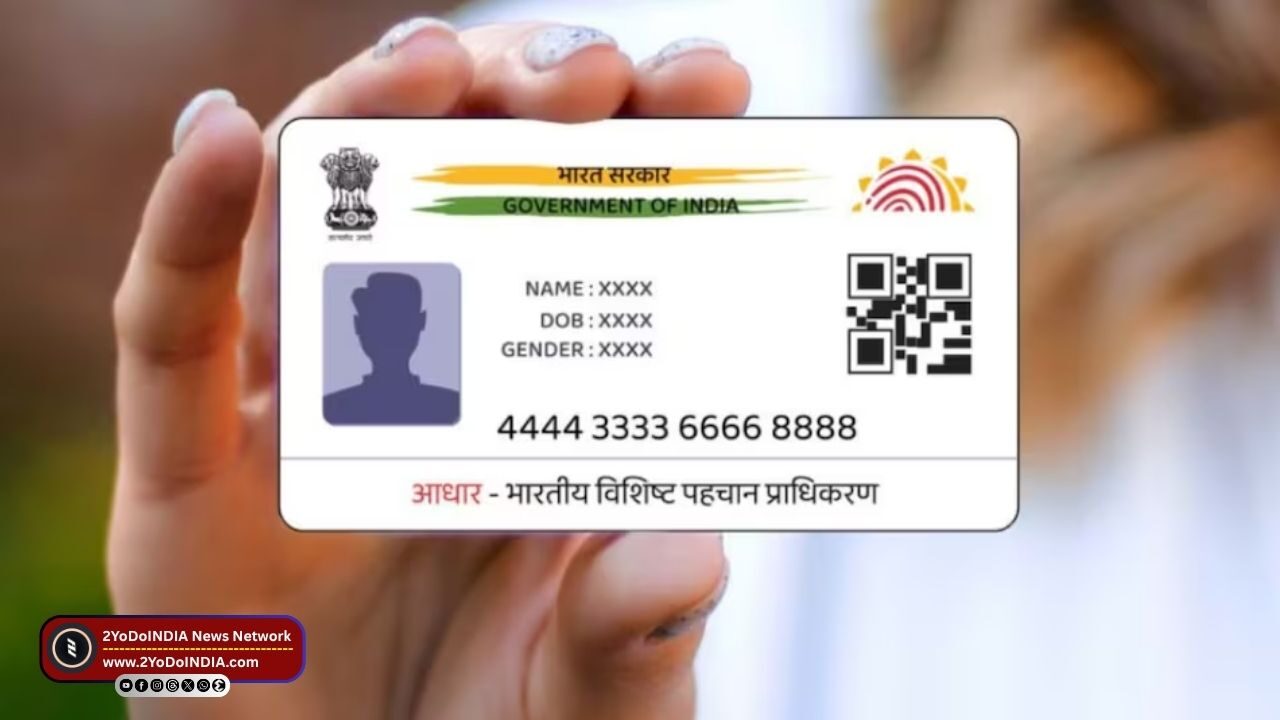
Unique Identification Authority of India (UIDAI) announce the launch of a new Aadhaar app. This new app is aim at helping Indian citizens securely store their Aadhaar card and even share it with others.
The new app is available on both Android’s Google Play and iOS’ App Store.
This app works with the mAadhaar app, which functions more as a place to verify details, download the ID, and order a physical Aadhaar card.
UIDAI said that the new app will help create a completely paperless experience.
Features of New Aadhaar App
First we have to understand that this new Aadhaar app is not a replacement for the existing mAadhaar app.
As it does not have some of the features in the older app, such as downloading the digital card, ordering a PVC card, verifying email and mobile and generating a virtual ID.
This new app can be consider as a place where you can store and show your card and share it securely.
UIDAI said that the app will allow cardholders to carry their Aadhaar information in a digital format.
But Indian citizens can already do so by carrying the PDF version of the card or online via Digilocker, as, the new app offers a user-friendly interface and a two-step process to access the details.
UIDAI mention that people can carry multiple Aadhaar cards in the app, allowing them to store their family members details as well.
The current limit is up to five profiles.
But, to add many Aadhaar cards, you must be link to the same mobile number as the primary card.
The new Aadhaar app also lets them access all the details on their smartphones and share the data in a verifiable credential format.
You can also add a biometric lock to secure the data.
When enable, the biometrics remain lock until the cardholder temporarily unlocks or disables the system.
As it also shows update profile data after a successful update request.
Also, sharing QR codes and verifiable credentials is also possible via the app.
Lastly, you can scan Aadhaar-related QR codes in the app for any service or transaction.
How to Use New Aadhaar App?
Follow These Steps:
- Firstly, you will have to download and install it from the Play Store or App Store.
- Then, you will have to select your prefer language.
- Enter your 12-digit Aadhaar number.
- The app will then ask to send an SMS from your Aadhaar-register mobile number.
- Enter the OTP, you will be redirect to perform face authentication.
- After completing the Face authentication, you will have to enter a six-digit password.
- Now you can see your Aadhaar card on the app’s profile page.
- You can also mask it, share it, and add a biometric lock.
- The same process can be repeat to add up to four more Aadhaar profiles.


