


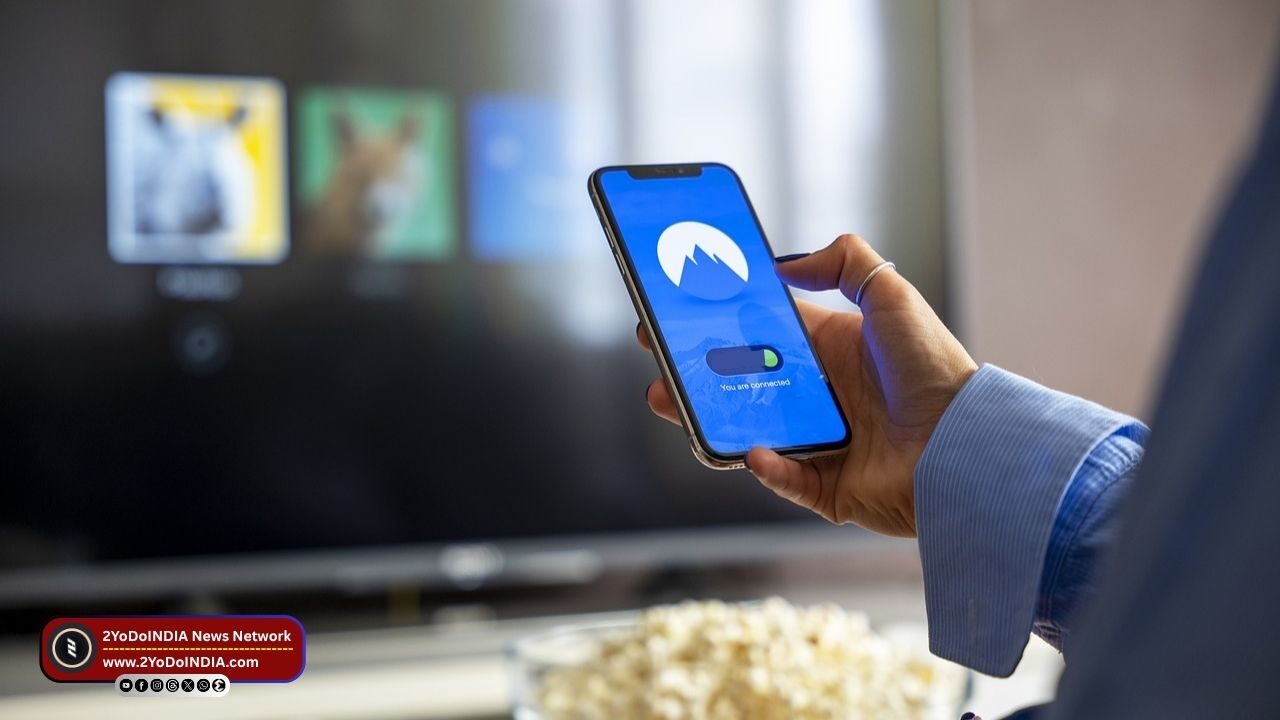
Your smart TV is more than just a screen for watching shows and movies, as it’s a hub that can do much more when connect to your smartphone. It can be you have a new smart TV or an older model, linking your phone to your smart TV lets you access different content on a larger screen, including watching videos, playing mobile games, or sharing photos with friends and family.
It can be use for casting presentations and streaming from different OTT platforms.
By turning your phone into a media centre, you can reduce the need for additional streaming devices.
You can connect your phone to a smart TV either wirelessly or with a cable, as per your needs.
You will need a compatible HDMI adapter with their phone for a wire connection, while for a wireless connection, you can access screen mirroring features like Google Cast and AirPlay.
Both methods allow you to view your phone’s screen on the TV, ideal for watching videos, displaying photos, or gaming.
How to Connect Android With Smart TV (Wireless Connection)?
To connect your Android phone to a smart TV wirelessly, before start make sure both devices are on the same Wi-Fi network.
Follow These Steps:
- Swipe down the top of your phone’s screen to access Quick Settings.
- Select Smart View, Cast, or Screen Mirroring.
- Confirm any prompts that appear on the TV to connect your phone.
If you are using Chromecast:
- Open apps like YouTube or Netflix.
- Tap the Cast icon.
- Select your TV from the list display on your screen.
How to Connect an iPhone With Smart TV (Wireless Connection)?
To connect your device using AirPlay, ensure the iPhone is on the same Wi-Fi network as your AirPlay-compatible smart TV.
Follow These Steps:
- Tap the AirPlay icon from the Control Centre or support apps.
- From the list of available devices, select your Apple TV, smart TV with AirPlay Support, or Mac to start streaming or screen mirroring.
How to Connect Your Phone to a Smart TV (Wired Connection)?
For a wire Connection, use an HDMI adapter compatible with your phone.
Android phones usually have USB Type-C ports, as do most recent iPhone models.
Follow These Steps:
- Plug the adapter into your phone.
- Plug the other end of the HDMI cable into your TV’s HDMI port.
- Connect the cable to the TV.
- Turn on the TV.
- Select the correct HDMI input.
The wire Connection is useful for those with limited or unreliable Wi-Fi, ensuring a stable connection without buffering.

