


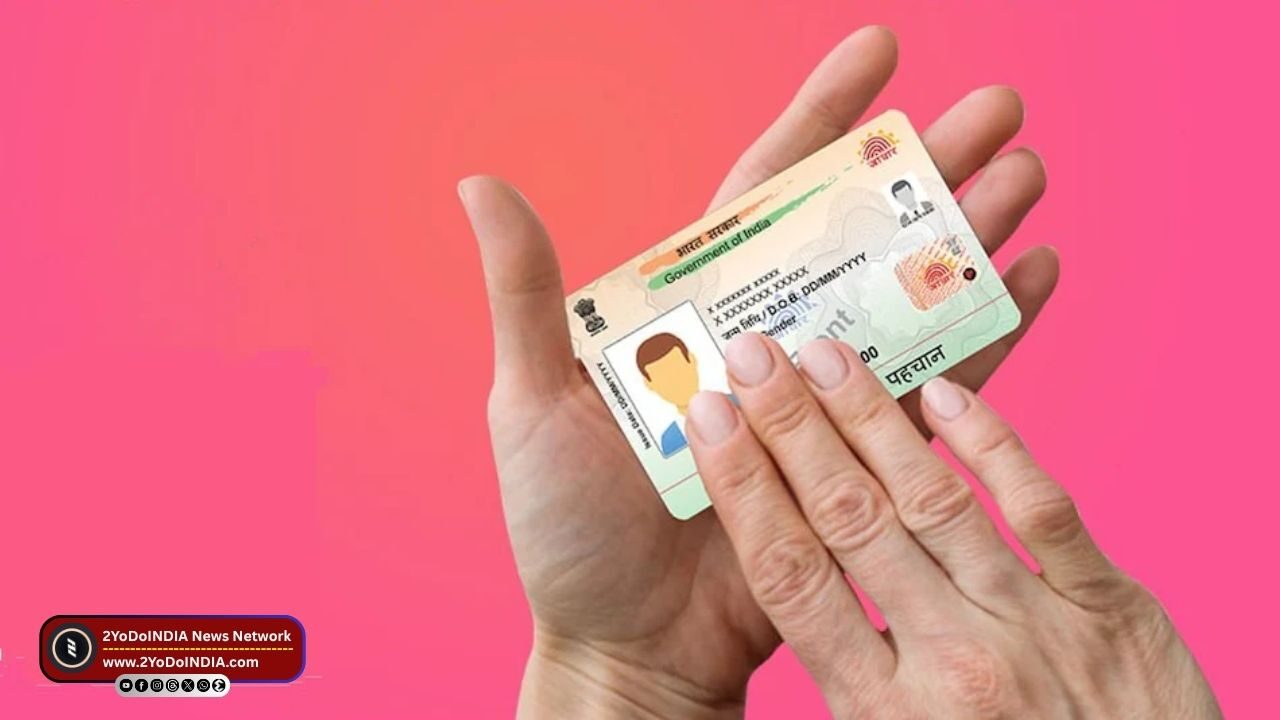
Aadhaar is a 12-digit number issue by the Unique Identification Authority of India (UIDAI) to each individual in India. As it is a important document that is require by many organisations to access government-issue benefits and welfare schemes.
Also, Aadhaar act as a proof of identity for services such as admissions, banking, driving license, passport, and various forms.
Due to its increasing importance concerning financial and personal verification processes, Aadhaar details must be securely store, and one of the ways to do so is by using a masked Aadhaar.
What is Masked Aadhaar?
Masked Aadhaar is a version of the Aadhaar card where the first eight digits of the identification number are hidden and only the last four digits are visible.
The hidden numbers are replace with “xxxx-xxxx”.
This prevents applications and organisations from accessing your complete Aadhaar details, promising increase privacy and less risk of identity theft and fraud.
Masked Aadhaar can be use as an alternative to the traditional Aadhaar card and is equally valid, as per the Aadhaar Act, 2016.
A masked Aadhaar can be use for most e-KYC purposes, such as ticket and hotel bookings, job applications, and many more, although there may be certain cases where an unmasked Aadhaar is require.
How to Download Masked Aadhaar via UIDAI Website?
Follow These Steps:
- Go to the UIDAI website.
- Select the Download Aadhaar optin under the My Aadhaar tab
- Enter your 12-digit Aadhaar number/ 28-digit Enrollment ID (EID)/ 16-digit Virtual ID (VID).
- Verify with the captcha code.
- Click on Send OTP
- An OTP will then be sent to your register mobile number
- Now, tick the box where it says, “Do you want a masked Aadhaar”?
- Enter the receive verification code to confirm your identity.
- Select Verify and Download
- Your masked Aadhaar should begin downloading in the form of a password-protected PDF document.
NOTE : The password format includes the first four letters of your name in uppercase and your year of birth.
How to Download Masked Aadhaar via mAadhaar App?
Follow These Steps:
- Install the mAadhaar app via the App Store or the Google Play Store.
- Select your preferred language.
- Enter your register mobile number.
- Submit the receive OTP for verification
- Now, go to the dashboard.
- Select Download Aadhaar under Get Aadhaar
- Selet Masked Aadhaar from the Aadhaar type options
- Input your Aadhaar number, EID, or VID.
- Enter the captcha code
- Generate an OTP, enter the received code.
- Select Verify and Download
- Your masked Aadhaar should now begin downloading
How to Download Masked Aadhaar via DigiLocker?
Follow These Steps:
- Go to the DigiLocker website.
- You can also access it with the DigiLocker app on the App Store and Play Store
- Sign in using your mobile number, user credentials, or Aadhaar number, and complete OTP verification
- Search for UIDAI in the search bar and select Aadhaar
- Enter your 12-digit Aadhaar number and verify with the OTP receive on the register mobile number
- When done, your Aadhaar card will appear under the Issued Documents tab and can be download from there.

