


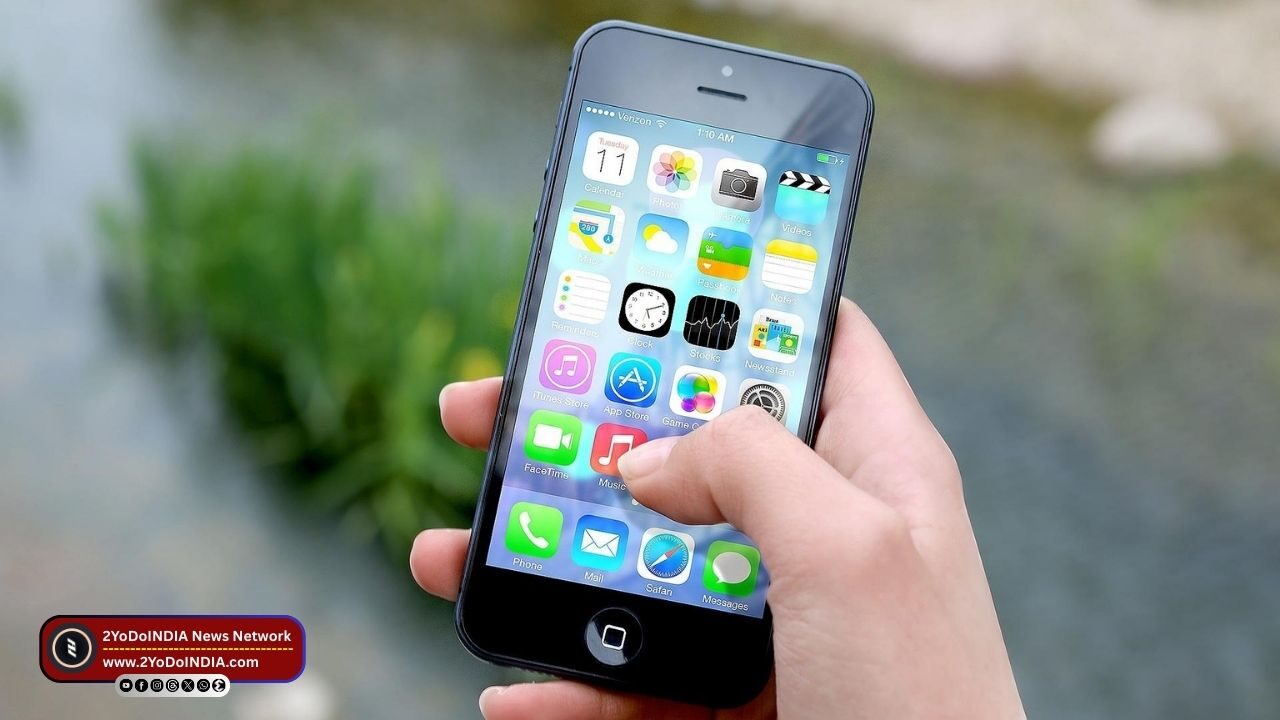
Apple release the iOS 26.2 update for iPhone. This is the second major update of the latest iPhone operating system, which was first roll out in September 2025. Apple has testing the update in developer and public beta in recent weeks, following which it has release.
iOS 26.2 adds many new features to the iPhone, including more customisation for the Liquid Glass user interface (UI), offline lyrics in Apple Music, and many more.
Features of iOS 26.2 Update for iPhone
The iOS 26.2 update brings two changes to the Apple Music app.
You will now see the Favourite Songs playlist in the Top Picks section of the home tab.
Also, you can download offline lyrics for songs and can view them even without an internet connection, Apple’s release notes mention.
Apple has add more lock screen customisation options for the clock, which can be use to change the opacity of the Liquid Glass theme.
Apple says its Enhance Safety Alerts will inform users of imminent threats like floods, natural disasters, and other emergencies.
This update also show information such as a map of the affect areas and links to additional safety guidance. As this feature is only available in the US.
There are now alarms for Reminders, which, as per Apple, can help users stay on top of urgent tasks.
It also offers snooze functionality and support for Live Activity.
In AirDrop, sending files to unknown people will have an additional layer of verification, with codes that need to be enter on the sender’s device.
Apple has adds automatically generate chapters for easier navigation across episodes in the Podcasts app.
There are links to the mention podcasts, which let users see and follow other podcasts mention in the episode they are listening to directly from the player and transcript.
Games app on iPhone has filters to sort games by category, size, and other parameters.
There are in-game challenge score banners for real-time updates and improved support for connect controllers such as Backbone and Razer.
This update also features an option for screen flashing in Flash for alerts in Accessibility Settings, a new link to the Apple News Section at the top of the Today Feed, and the ability to use the same setup code during multipack accessory pairing in the Home app.
How to Install iOS 26.2 Update for iPhone?
As per Apple, all iPhone models that have enroll in the beta programme and have receive the iOS 26.2 beta update are eligible to receive the stable version.
Follow These Steps:
- Open the Settings app on your iPhone.
- Go to the General.
- Then Software Update.
- The iPhone will check for any pending updates automatically.
- Tap on Download & Install and read and accept the terms and conditions.
- Wait for the iOS 26 update to install.
- Your iPhone may reboot many times during the update process.

