


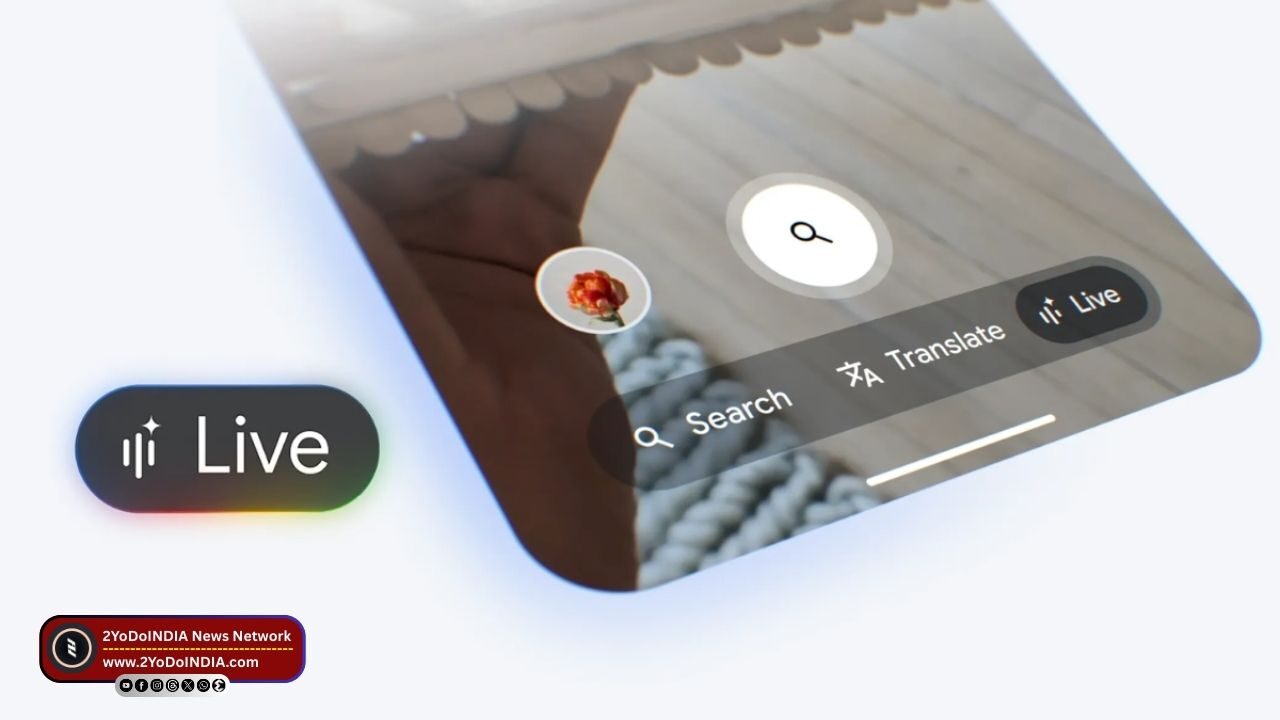
Google has launch the Search Live in AI Mode feature, which allows users to ask questions about their surroundings from their phone’s camera and have voice conversations, is rolling out to eligible users in the US who have set their language to English.
This features was previously only available in English (US) for those enroll in Google’s AI Labs programme.
The rollout comes days after Google executives confirm during a press briefing that the Search Live in AI Mode is set to make its way to India soon.
As per Google blog post, it is now rolling out the Search Live in AI Mode feature to Android and iOS users in the US who have set their language to English.
As to remind, first unveil in May during the Google I/O developer event, the feature was earlier available for users who had opted for the Google Labs program.
The Search Live in AI Mode feature initially allow users to have only voice conversations with the AI chatbot.
But, a month after it was first unveil, Google adds the ability to share their camera feed with the Google app to ask specific questions about a user’s surroundings.
This feature uses Google Lens to recognise and generate answers.
Like, a you can point their camera at a dog on the street and use Google Search Live in AI Mode to identify the dog’s breed.
This feature analyses the scene to provide an appropriate answer.
Search Live in AI Mode feature can also recognise PDFs and images to answer user queries.
Also, Google plans to add support for other file types in AI Mode in the near future.
How to Use Search Live in AI Mode on Your Smartphone?
Follow These Steps :
- Open the Google App on your Android phone or iPhone.
- Tap on Live in the Search bar at the bottom.
- First-time users might have to follow some additional steps shown on their screens.
- If you have already use it, you can start having a conversation with the AI chatbot.
- You can mute your microphone by tapping Mute.
- To continue asking a query, you can click Unmute.
- You can also interrupt Search Live in the middle of the conversation by saying “Stop” or tapping on the screen.
- After that, you can ask for more details, add supplementary information to your query, or change the topic of conversation.
- Tap on Video to turn on your camera.
- You can point your camera at the object that you wish to know more about.
- You can end the conversation by tapping Exit.
As it is currently available in the US, Google executives recently, confirm during a press briefing that Google will soon roll out the Search Live in AI Mode feature to India.


