


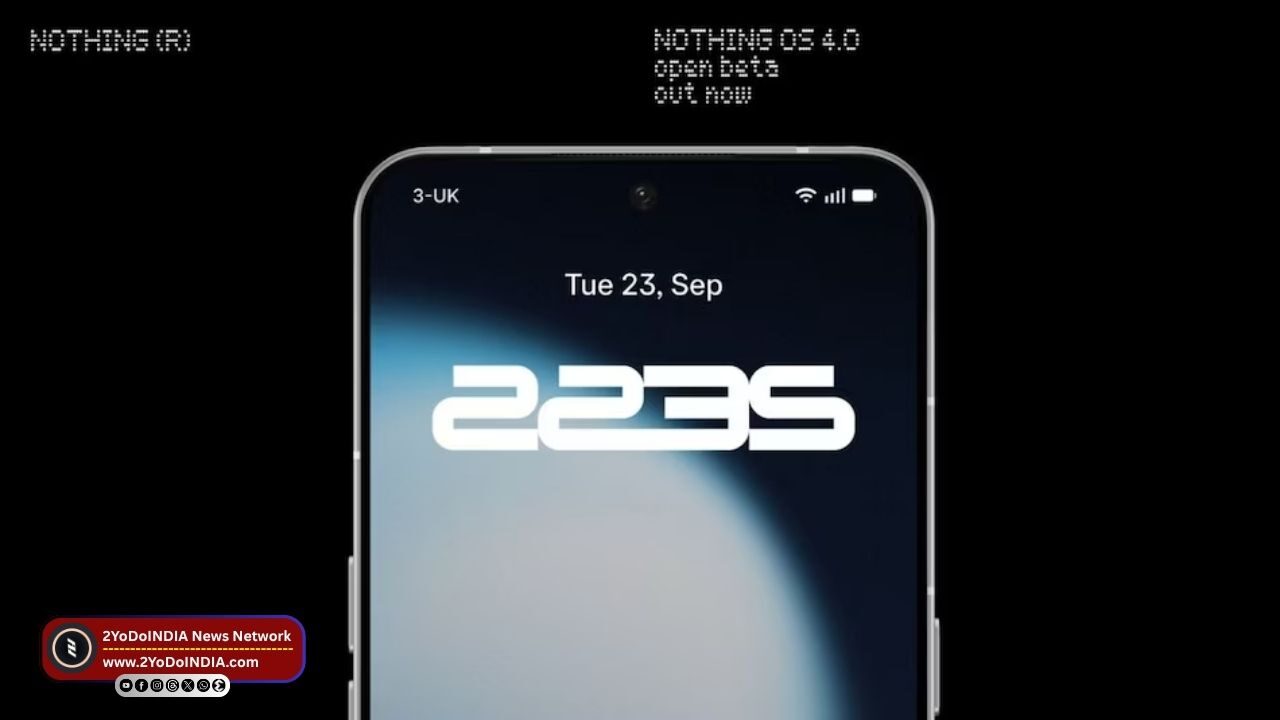
Nothing OS 4.0 Open Beta is rolling out for users globally via its community forum. Nothing provides an exclusive preview of the latest operating system (OS) update based on Android 16.
You can try out the Nothing’s latest software features, such as the AI usage dashboard, pop-up view with faster switching, and new lock screen clock faces, ahead of the public release.
The Nothing OS 4.0 Open Beta also includes the new Essential Apps and Playground features, which were recently announce.
Eligible Models for Nothing OS 4.0 Open Beta
In a community post, Nothing said that the new Nothing OS 4.0 Beta is now available for the Nothing Phone 3, Nothing Phone 2, and Nothing Phone 2a series.
Nothing OS 4.0 will also be introduce for the Nothing Phone 3a series later this month.
But, there’s no word on its rollout for older models, as well as CMF phones.
Nothing Phone (4a) Pro का विकास शुरू, पारदर्शिता डिज़ाइन जारी रहेगा | Nothing Phone (4a) Pro Successor Spotted on IMEI Database, Expected Upgrades Ahead#2YoDoINDIA #Nothing #NothingPhone4a pic.twitter.com/P8dgEZjnLH
— 2YoDoINDIA (@2yodoindia) October 1, 2025
Features of Nothing OS 4.0 Open Beta
On the Nothing Phone 3, the Nothing OS 4.0 Open beta will bring an AI Usage Dashboard in Essential Space.
Nothing OS 4.0 Open beta is claim to provide more transparency over the activity of the large language model (LLM).
This update will include general improvements and bug fixes.
You will be able to experience better lock screen and always-on display performance, optimise brightness levels, enhance camera and Bluetooth stability, and better Wi-Fi and network connectivity.
Nothing Phone 2 and Phone 2a series users will get access to the Stretch camera preset, develop in collaboration with photographer Jordan Hemingway.
Nothing said that this can enhance photos with richer shadows and extend highlights, delivering a more distinctive appearance.
This update will also include system-level app optimisations to improve the device’s startup speed.
You can use the new Essential Apps suite to generate personalise apps based on natural language commands on all devices.
All these apps can be share with others in the community-driven Playground.
Nothing OS 4.0 also includes general improvements, such as a new pop-up view with two floating icons, two new lock screen clock faces, support for 2 x 2 tiles in Quick Settings, and an extra dark mode.
Nothing का Essential AI प्लेटफ़ॉर्म: AI-नेटीव ऑपरेटिंग सिस्टम की पहल | Nothing Launches Essential AI Platform to Build and Share Personalized Mini Apps#2YoDoINDIA #Nothing #EssentialSpace #EssentialApps #AI pic.twitter.com/TB2Um1ck5U
— 2YoDoINDIA (@2yodoindia) October 1, 2025
How to Register for Nothing OS 4.0 Open Beta?
Before installing the beta update, you are advise to update their handset to the latest stable build of Nothing OS 3.5.
Follow These Steps :
- Download Nothing’s Beta Updates Hub .apk via its website and install it on the Nothing phone.
- Navigate to Settings.
- Then go to System.
- Then search for Nothing Beta Hub
- Tap the Join Beta to sign up for the beta update.
- When successfully register.
- Tap Go to Update to install the update.
- You can also manually check for the beta update by going to Settings –> System –> System updates and selecting Check for updates.
But, Nothing advises you to back up their data before installing the update.
This update may interfere with the user data, which can also mandate a factory reset.
As you can go back to the stable build by downloading the rollback package from the Nothing website and adhering to the following steps:
- Go to Settings.
- Then navigate to System.
- Then go to Nothing Beta Hub.
- Tap Import file.
- Select the package
- Follow the on-screen instructions to complete the rollback
Nothing said that its Open Beta OTA terminals will be close on 14th October 2025.
If you are interested, you will not be able to join the beta programme after this date.

