


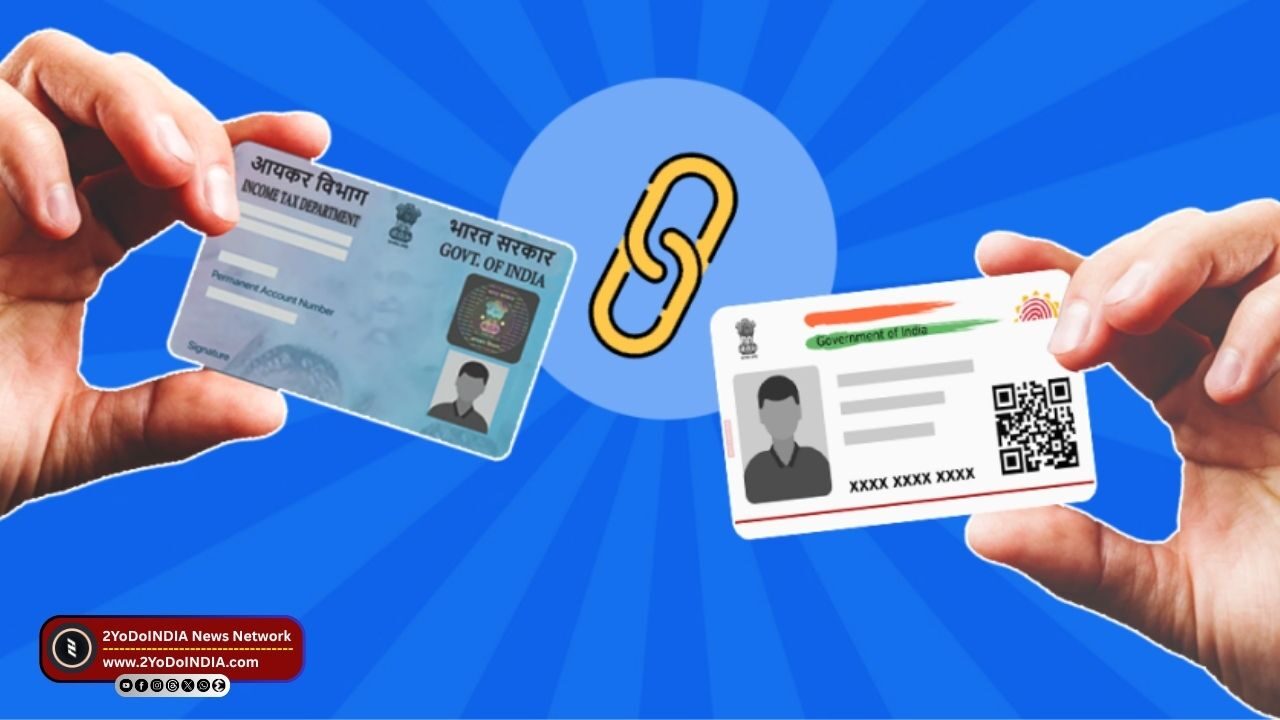
Central Board of Direct Taxes (CBDT), under the Ministry of Finance, has again extend the deadline for linking the Permanent Account Number (PAN) with the Aadhaar card to 31st December 2025, giving Indian taxpayers more time to complete the mandatory process.
PAN-Aadhaar linkage is important for individuals to ensure their PAN remains active and to avoid potential penalties or restrictions on financial transactions.
Linking these two identification documents helps the Income Tax Department verify identities, prevent tax evasion, and streamline digital services.
People can now complete the process easily through the Income Tax e-filing portal or other online methods without visiting any physical centres with the extend deadline.
Government continues to urge taxpayers who have not yet link their PAN and Aadhaar to do so promptly to avoid future inconveniences, such as invalidation of their PAN.
How to Link PAN and Aadhaar Online?
To link your PAN with Aadhaar, you will need to make sure a payment of Aadhaar PAN link fee on the e-Filing Portal and then submit the Aadhaar PAN link request after the fee is paid.
How to Pay Aadhaar PAN Link Fee on e-Filing Portal?
Follow These Steps :
- Go to e-Filing Portal.
- Click on Link Aadhaar in the Quick Links section.
- Also, you can log in to your account directly using your credentials.
- Enter your PAN and Aadhaar numbers carefully in the respective fields.
- Click on Continue to Pay Through e-Pay Tax to proceed with the payment.
- Enter your PAN again to confirm it, and provide a mobile number to receive the OTP.
- After verifying the OTP, you will be redirect to the e-Pay Tax page.
- Click on Proceed under the Income Tax tile to continue.
- Select the relevant Assessment Year and choose the Type of Payment as Other Receipts (500).
- Click Continue.
- The applicable fee amount will be automatically fill under the Others section.
- Click Continue to proceed.
- When challan is generated.
- Select your prefer mode of payment from the available options.
- You will then be redirect to your bank’s website to complete the payment process.
- After successfully completing the payment, return to the Income Tax e-Filing Portal to link your Aadhaar with your PAN.
NOTE : You can submit the Aadhaar PAN link request both in the Post-login and in Pre-login modes.
How to Submit Aadhaar PAN Link Request in Post-Login Mode?
Follow These Steps :
- Go to the e-Filing Portal.
- Go to the Profile section on the Dashboard.
- Click on Link Aadhaar under the Link Aadhaar to PAN option.
- Also, you can click on Link Aadhaar in the Personal Details section.
- Enter your Aadhaar number carefully in the given field.
- Click on Validate to submit your Aadhaar-PAN link request.
How to Submit Aadhaar PAN Link Request in Pre-Login Mode?
Follow These Steps :
- Go to the e-Filing Portal.
- Click on Link Aadhaar under the Quick Links section.
- Enter your PAN and Aadhaar numbers.
- Click on Validate.
- Give all the mandatory details as require.
- Click on Link Aadhaar.
- Enter the 6-digit OTP received on your register mobile number.
- Click on Validate.
- When validated, your request for linking Aadhaar with PAN will be submit successfully.
How to Check the Aadhaar-PAN link status?
Follow These Steps :
- Go to the e-Filing Portal.
- Click on the Link Aadhaar Status option under the Quick Links section on the homepage.
- Enter your PAN and Aadhaar numbers in the respective fields.
- Click on the View Link Aadhaar Status button.
- The system will display the current status of your Aadhaar-PAN linking on the screen.
- If your Aadhaar is successfully link with PAN, a confirmation message will appear.
- If not, the page will show that the linkage is pending or not complete.

