


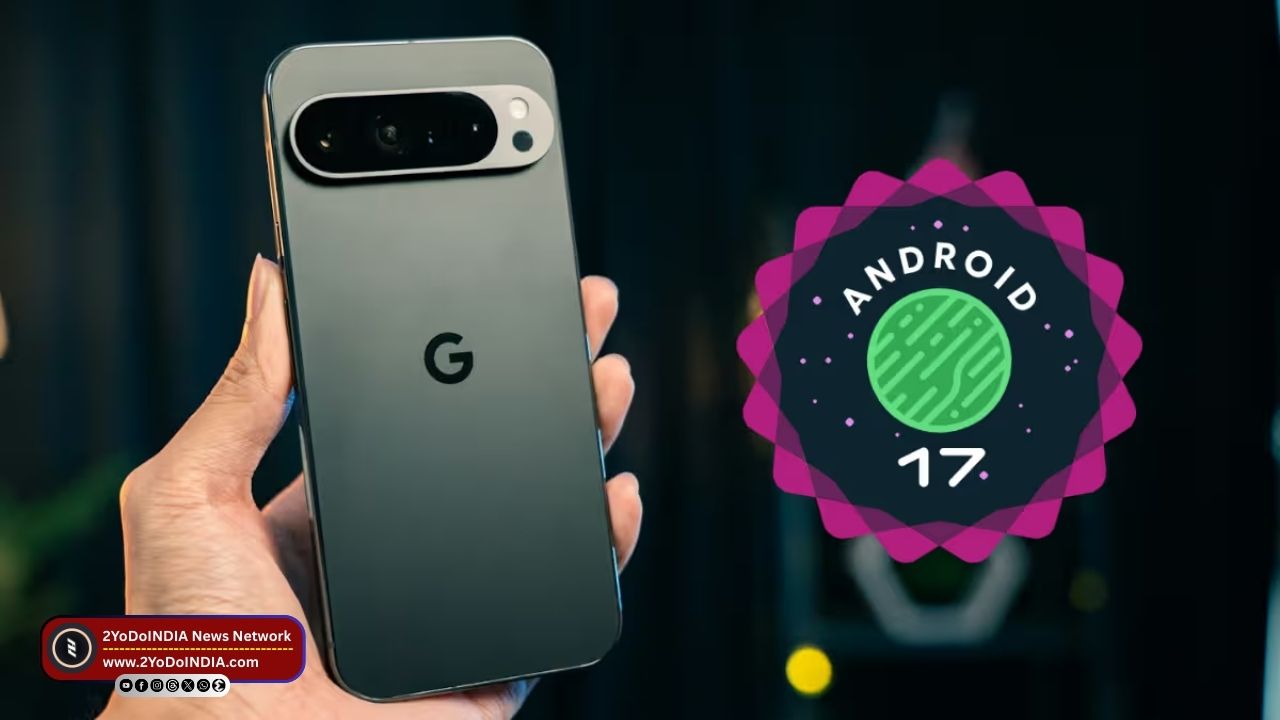
Google starts rolling out the first beta version of the Android 17 update for some Google Pixel phones. Google requires you to enrol your device in Google’s Android Beta Programme to receive the same available for Google Pixel phones and a tablet.
Starting from Google Pixel 6 series, the beta update is available for the new Google Pixel 10 series and select Google Pixel A series phones.
So, if you own one of the devices in the given list, you can test out the new features.
You can help the Google to look out the report bugs in the OS and experience the changes in the user interface design.
Eligible Google Pixel Phones for Android 17 Beta 1
The list of devices that are eligible to receive the new Android 17 Beta 1 update includes:
Google Pixel Phones
Google Pixel 6
Google Pixel 6 Pro
Google Pixel 6a
Google Pixel 7
Google Pixel 7 Pro
Google Pixel 7a
Google Pixel Fold
Google Pixel 8
Google Pixel 8 Pro
Google Pixel 8a
Google Pixel 9
Google Pixel 9 Pro
Google Pixel 9 Pro XL
Google Pixel 9 Pro Fold
Google Pixel 9a
Google Pixel 10
Google Pixel 10 Pro
Google Pixel 10 Pro XL
Google Pixel 10 Pro Fold
Google Pixel Tablets
Google Pixel Tablet
Expected Features of Android 17
Google said that the new Android version focuses on enhancing performance, while also offering a smoother user experience.
As it brings improvements in the task management and power efficiency departments.
Android 17 Beta 1 update also allows apps to run efficiently, improving the multitasking experience.
The Android 17 beta version refines permission management to offer clearer visibility to users into how apps are accessing their sensitive data, including location, microphone, and camera feed.
This also introduces the Versatile Video Coding (VVC) standard and audio framework restrictions on background audio interactions.
Google has also introduce subtle design changes to the UI to offer smoother system animations.
The notifications window and quick settings animations also been refine.
How to Enrol in the Android Beta Programme?
Before you enrol for Google Pixel smartphone, you should note that the Android 17 beta updates your phone receive in the future may contain bugs, errors, and issues that might affect your day-to-day device usage and functioning.
So, your device cannot be unenrole and revert to a stable public version of a previous Android version without wiping the locally save data on your Google Pixel phone or tablet.
Follow These Steps:
- Visit the Android Beta Programme website.
- Sign in to your Google account with which one of the eligible devices mention above is link.
- Select your device from the list on the website.
- Lastly, you can opt into Google’s Android Beta Programme.
How to Download and Install Android 17 on Your Google Pixel Device?
Follow These Steps:
- When your device has enrole, you will automatically start receiving Android 17 beta OTA updates on your register Google Pixel device.
- Open Settings on your phone.
- Go to the System menu.
- Now, click on the Software Update button.
- Tap on the Download and Install button.
- After the download is complete, your device might restart many times during the installation process.

